ChatIX with your context
Ask by text or voice. Open a task, project or event in the conversation and explore the information available to you.
 Planerix
Tasks, data and an AI assistant
Tasks, goals and business data in one place, with help from an AI assistant.
Visit Planerix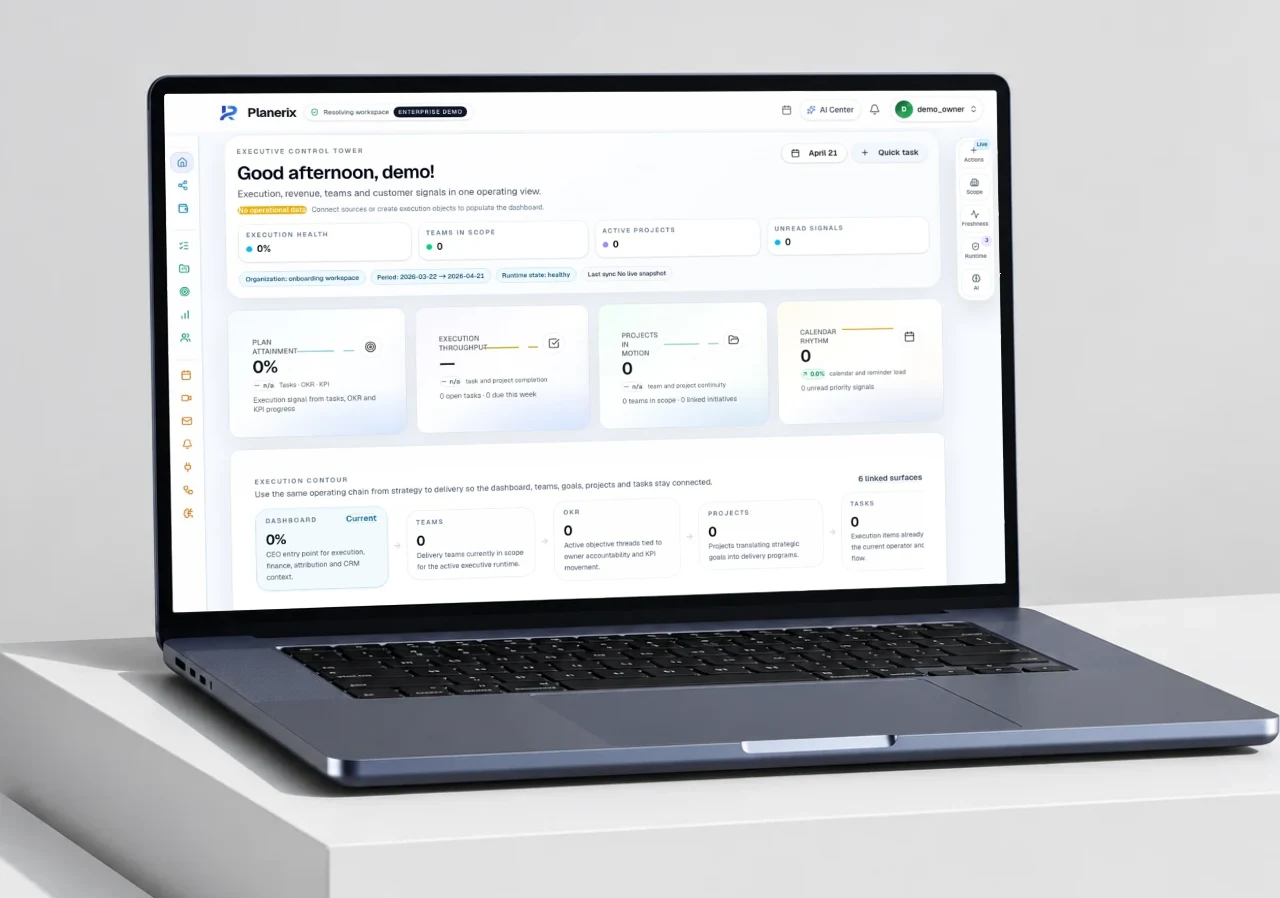
01 / The context
Information is scattered across spreadsheets, CRM and conversations. It is hard to see what is current and who takes the next step.
I connect data with tasks and goals. Teams find the information they need, assign responsibility and follow progress.
Planerix Mobile · ChatIX
Ask ChatIX, plan your day and move work forward. Projects, tasks, calendar and the indicators you need, together on iPhone.
Request a walkthroughMobile access is arranged with the team. Features and connected sources depend on your workspace and permissions.
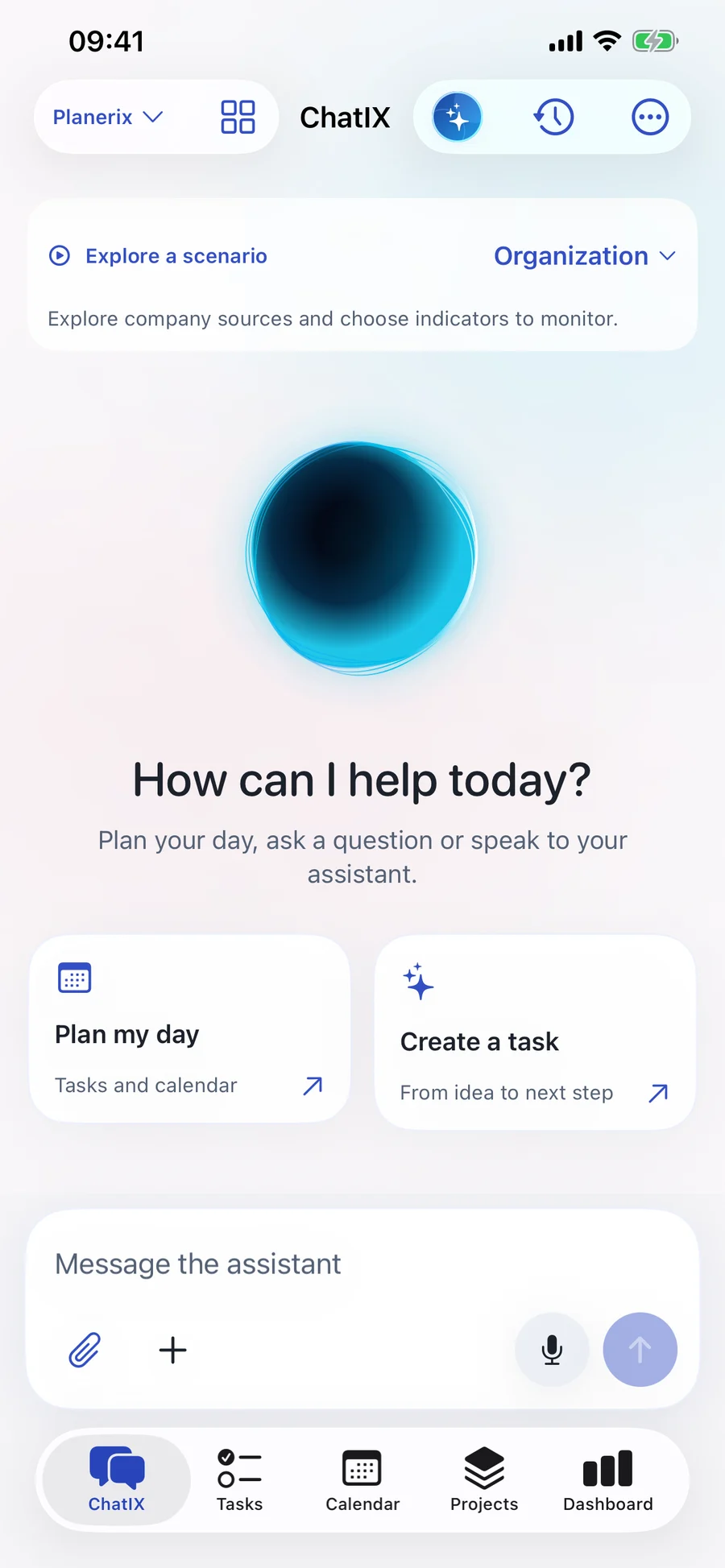
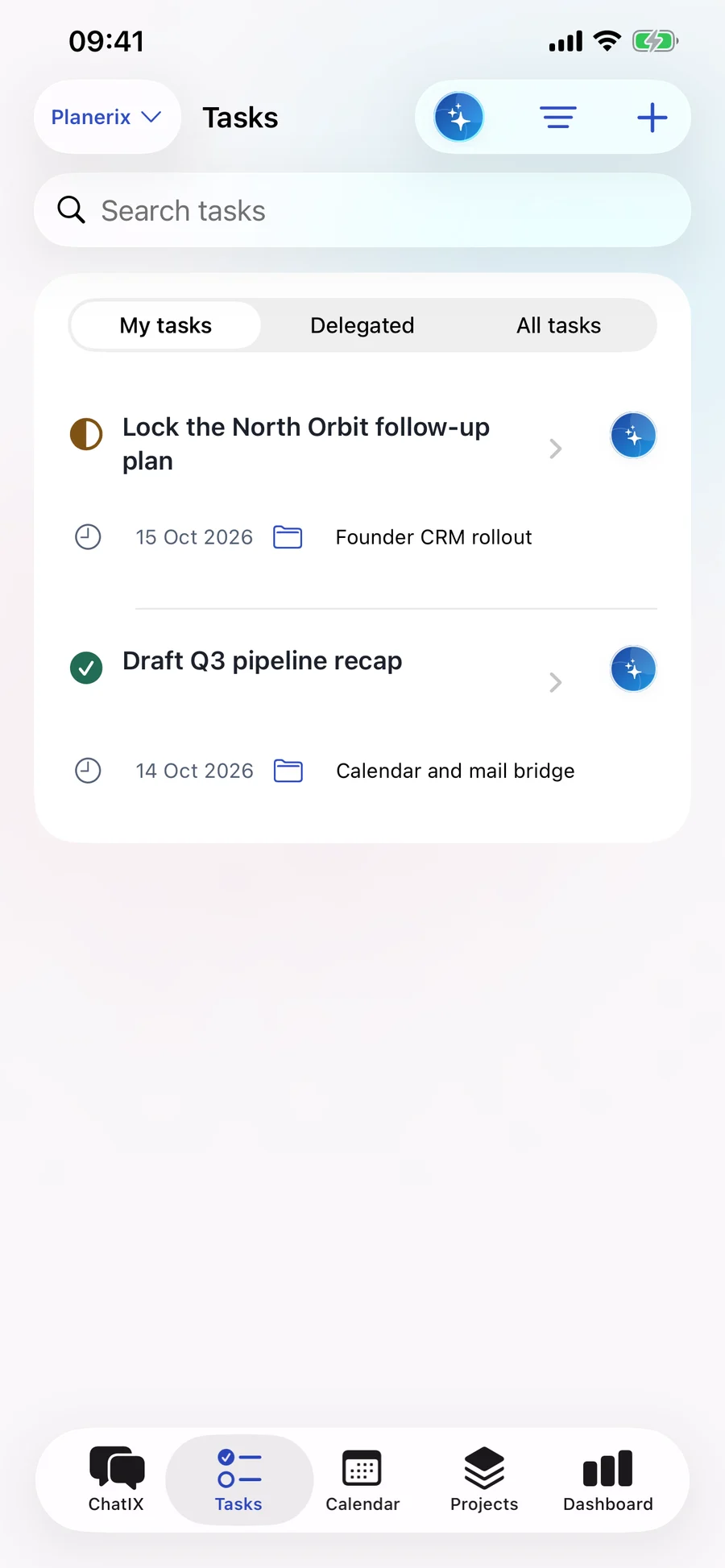
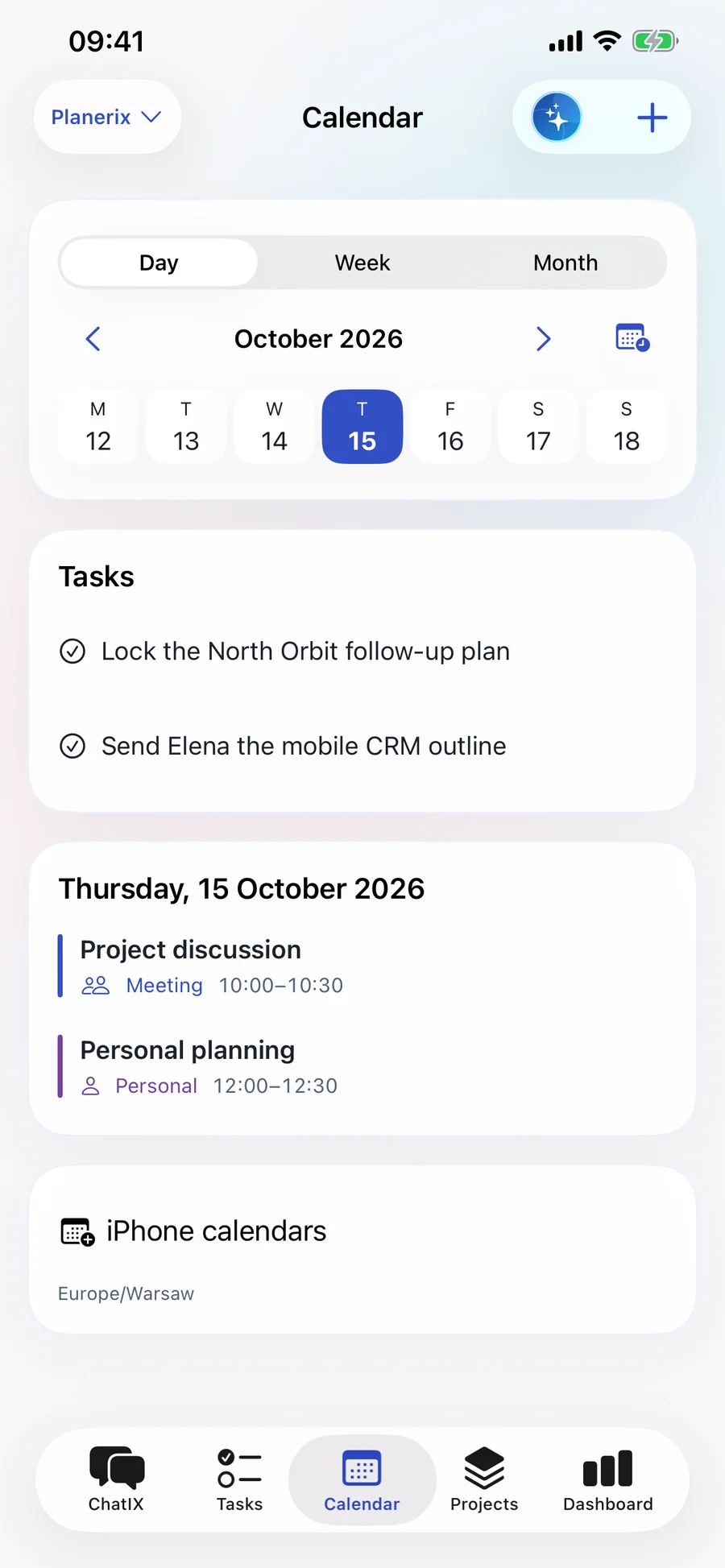
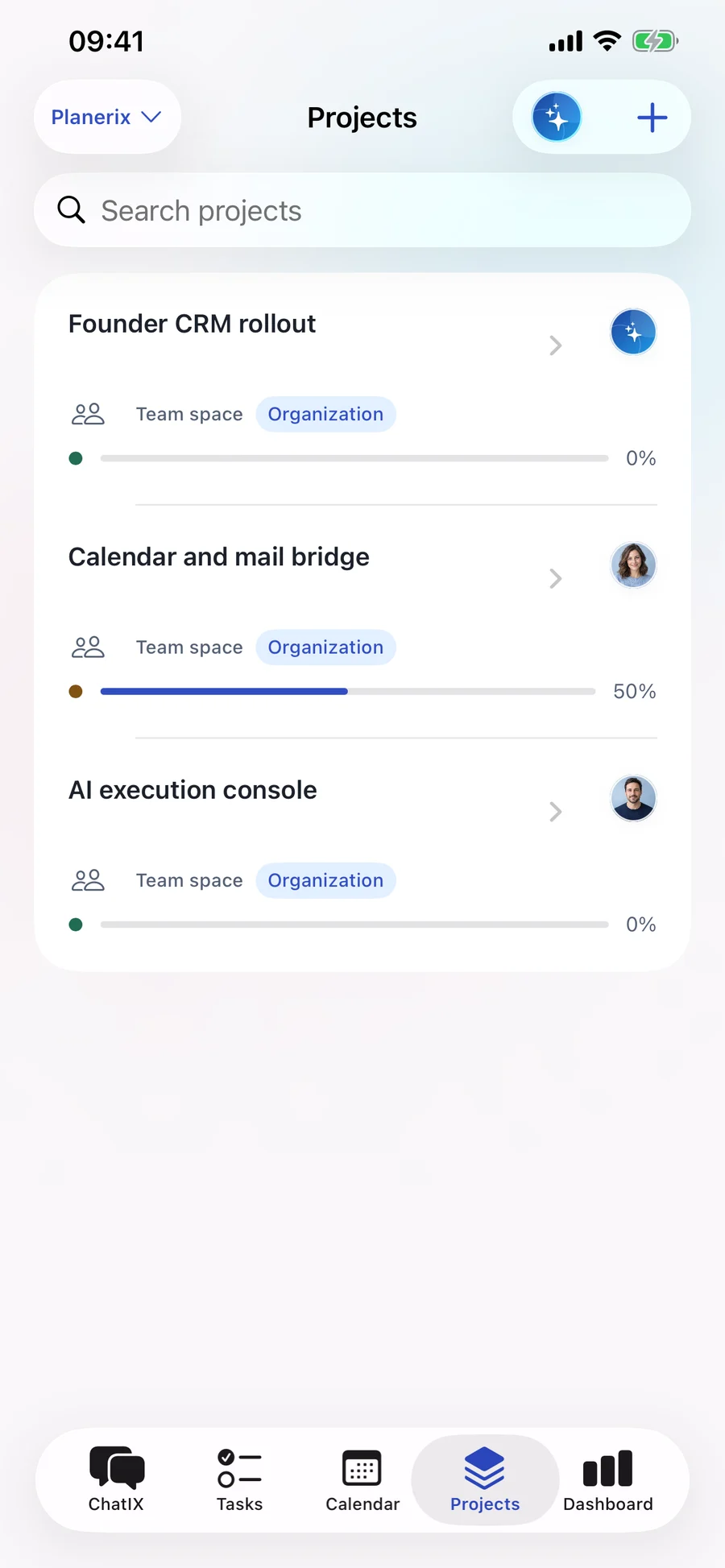
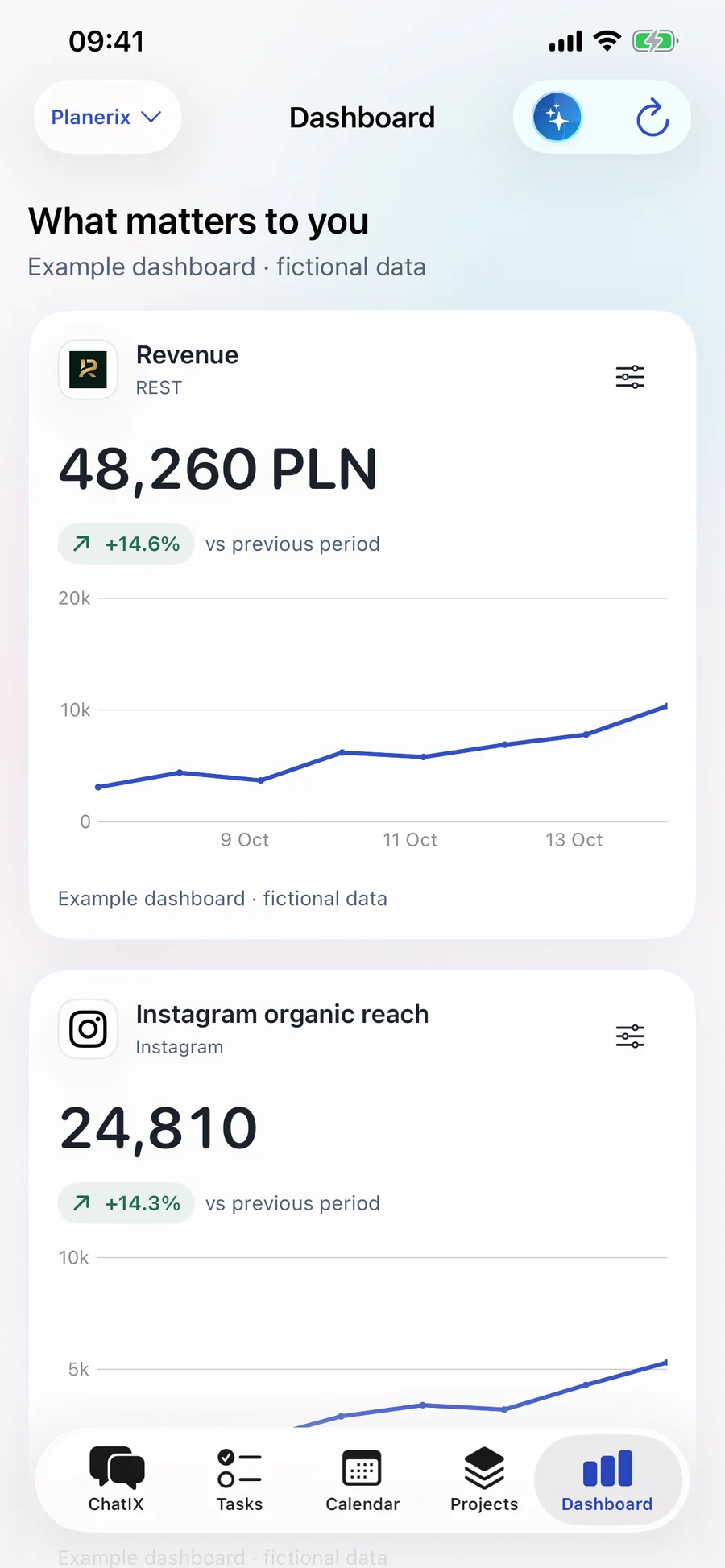
Actual Planerix 1.9 interface · demonstration data · captures from build 18. Open a screen to enlarge.
Ask by text or voice. Open a task, project or event in the conversation and explore the information available to you.
ChatIX prepares task and event changes. Review the details, confirm the action and open the saved result.
Plan your own day, then work with project members in a separate team space. Responsibilities, dates and discussion stay together.
Choose available metrics, inspect the period and compare reliable data. The assistant uses verified values for charts.
Planerix graphs link accessible records so you can follow the context behind a question. A link shows a recorded relationship; it does not by itself prove why a business result changed.
Projects, tasks and calendar events connect through ownership, dependencies and scheduling. Open the related record and continue the work.
Follow available links between documents, payment evidence and accounting events. Financial totals come from reconciled records.
Explore permitted relationships between guests, reservations, orders and locations, within the selected business scope.
The Integration Center brings connection status, history and available indicators together. Accounting, payments, restaurant systems and marketing sources are configured for your workspace. Availability, freshness and missing data remain visible.
A listed connector is not a completed connection. Local iPhone calendars stay on the device; personal Google connections require their own authorization and availability checks.
Multi-Product SaaS Architecture / Planerix
Teams lose context when tasks, decisions and business data live in separate tools.
Connect personal and team work to AI without losing ownership, current access or the source behind an answer.
Taskbelongs toProjectCalendar eventschedulesTaskCalendar eventbelongs toProjectAccess is checked again against the current source record after retrieval; an old vector is not permission to read.
Task and event proposals are prepared, reviewed and confirmed. Version checks and stable operation IDs protect retries and concurrent edits.
Task owners, dependencies and KPI/OKR bindings connect execution to current metric context. Agent proposals retain evidence and baselines; freshness follows source cadence, and relationships are not treated as proven causality.
PostgreSQL owns operational records and calculations; Qdrant helps retrieve context. Keeping retrieval separate lets AI find relevant material without making an index the authority for access or financial truth.
Retrieved records are re-read under current organization and record permissions. Task/event actions require review and confirmation; operation IDs and version checks handle retries and conflicting edits.
Native build 18 demonstration screens; mobile release contracts 26–27; the 16 October 2026 core-evidence release documents source revalidation, graph limits and worker recovery. Screens use synthetic records.
A shared web and native iOS workspace connects team tasks, dependencies, KPI/OKR context and ChatIX. Agents propose evidence-linked actions for review; progress returns to period-based analysis.
Founder & Product Architect · business model, system design, web and iOS
The case demonstrates architecture and delivered workflows. It does not claim a measured productivity uplift or a complete independent security audit. iOS distribution is arranged separately.
02 / Features
Connect KPI and OKR to work, responsibilities and progress.
An assistant helps find information in documents and understand the data.
Reports and tasks on desktop and mobile, with access suited to each role.
Planerix LEG and REST apply the platform to accounting and hospitality operations.
03 / App screens
Open a screen to take a closer look.
App screens with demo data.
Connections to your tools
Connect the software your business already uses.

Direct messages, replies and conversation context

Campaign performance

Advertising across Facebook and Instagram

Audience & acquisition
Available data depends on your account and enabled services.
Discuss your softwareProduct names and logos belong to their respective owners.
Next project